Getting Started
Get Richfolio running in under 5 minutes — no coding required.
1. Fork the Repo
This creates your own copy where you can configure your portfolio and run automated daily briefs via GitHub Actions.
2. Configure Your Portfolio
Set up your target allocations and current holdings in GitHub. See Configuration for the full field reference.
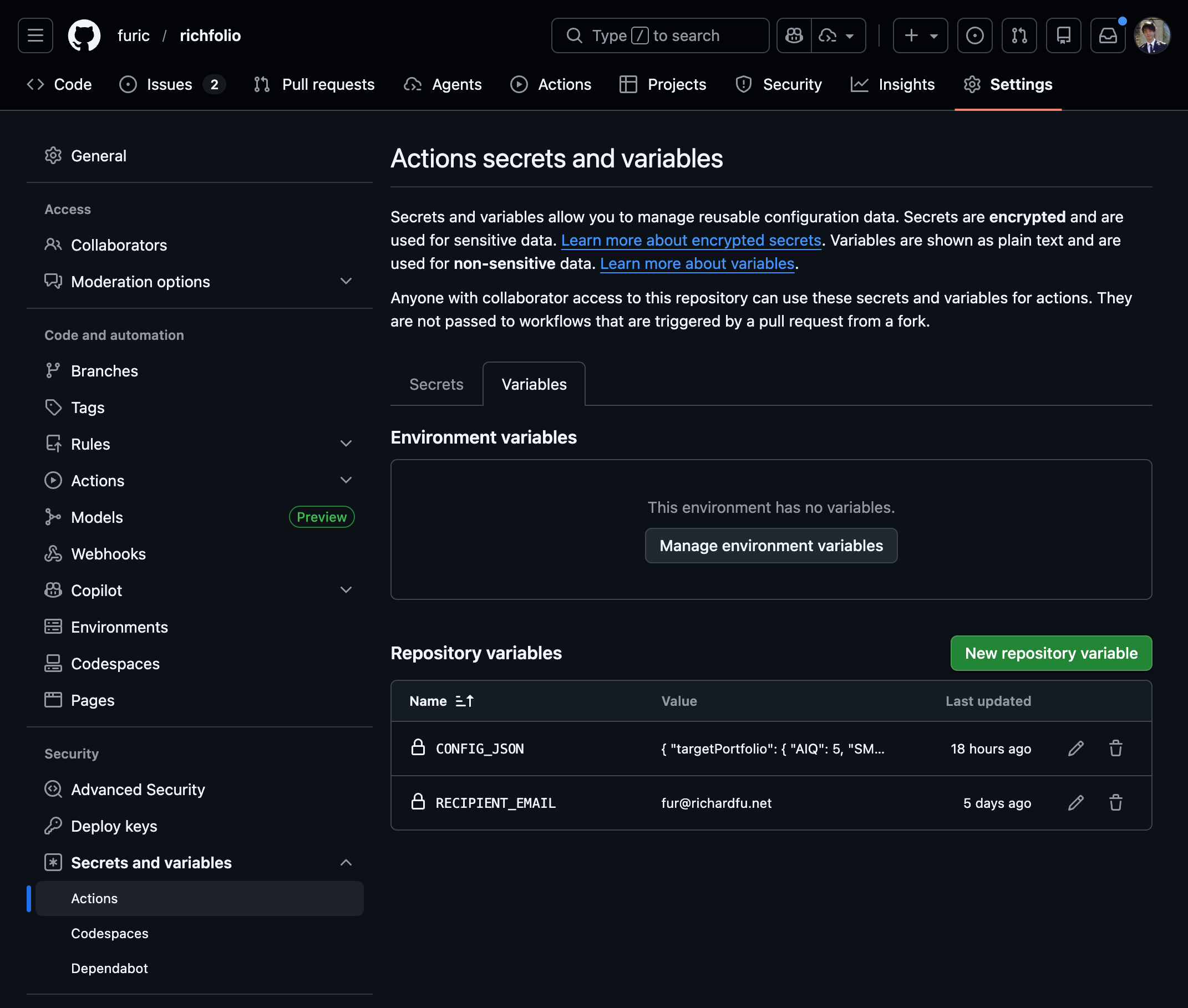
3. Add API Keys
Add your API keys as GitHub Secrets. At minimum you need RESEND_API_KEY. See API Keys for step-by-step instructions for each service.
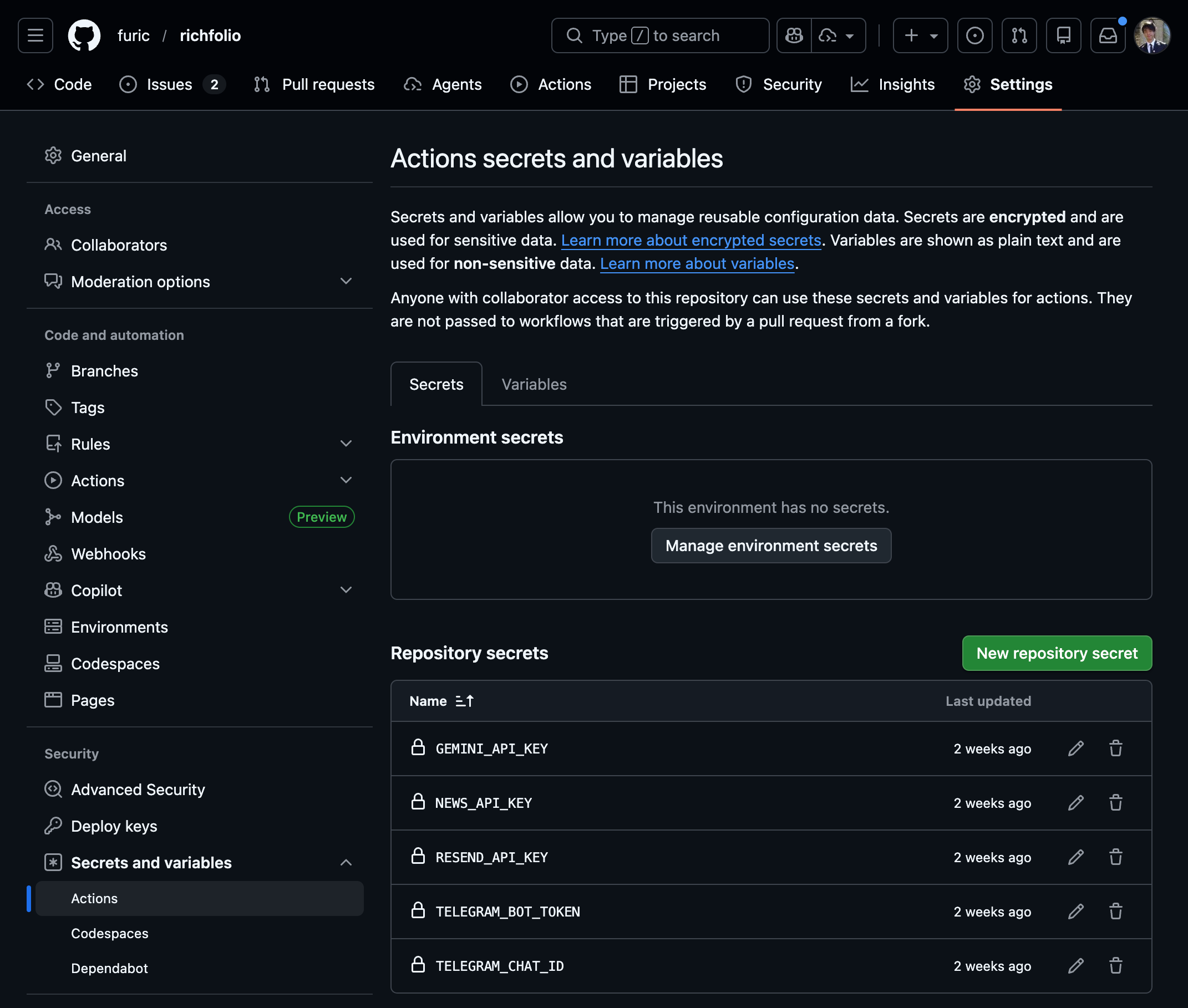
4. Deploy
Enable GitHub Actions to receive automated daily briefs, intraday alerts, and weekly reports. See Deployment for setup details.
What’s Next
- Configuration — customize your portfolio allocations
- API Keys — set up Resend, NewsAPI, Gemini, and Telegram
- Deployment — automate with GitHub Actions
- Local Development — run locally or contribute